Lg Washer Oe Error Code: How to Fix It and Reset Top Load or Front Load Washing Machines
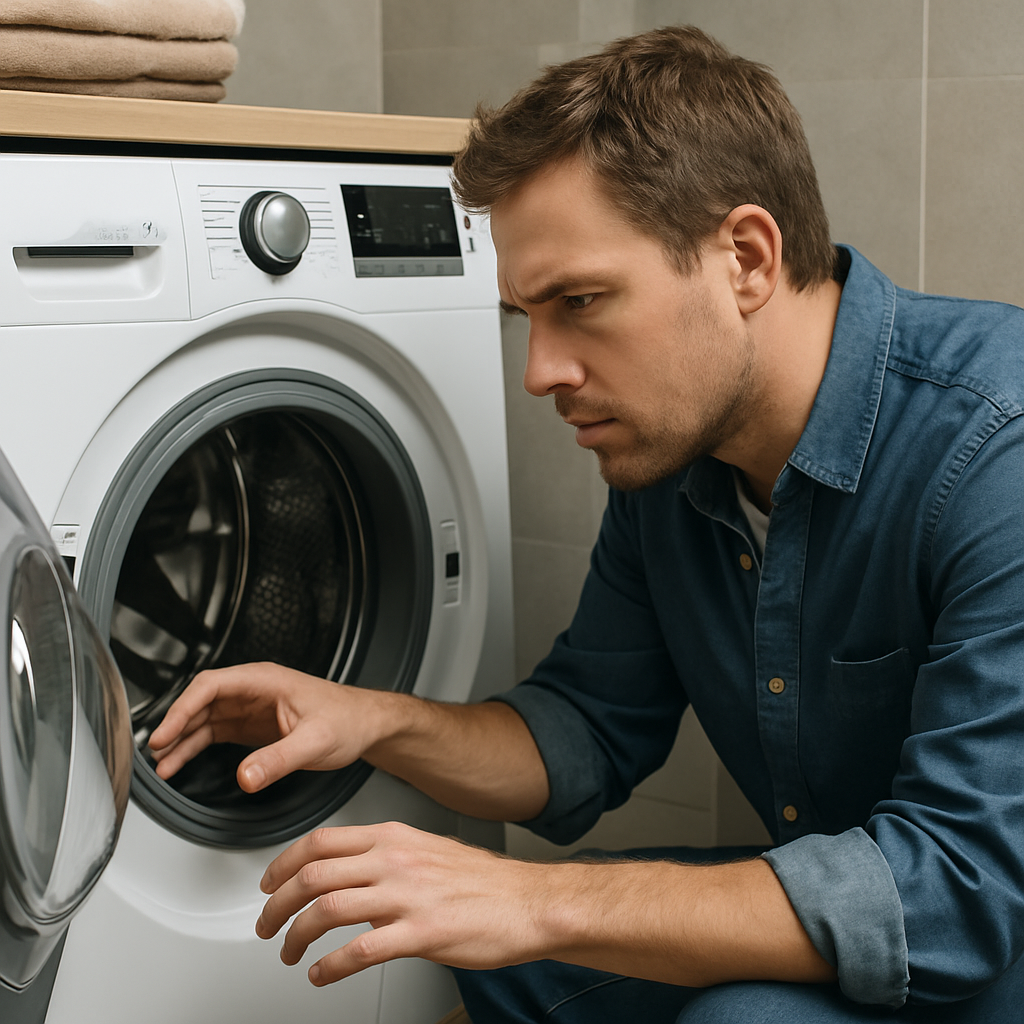
If your LG washer is showing the OE error code, it means the machine is not draining water properly—either due to a blockage, a slow drain, or a mechanical failure. Quickly resolving the OE code is essential to restore your washer's functioning and avoid water spills or incomplete washing cycles. This guide covers what the LG OE error means, step-by-step instructions on fixing it, and how to reset your top load or front load washing machine for reliable operation.
Understanding the OE Error Code and Common Causes
The OE code on LG washing machines signals a drainage problem. This fault frequently results from simple issues such as a kinked drain hose, a clogged filter, or obstructions in your home plumbing. Occasionally, the error indicates a malfunctioning drain pump. Before worrying about expensive repairs, most users can resolve the issue at home with basic checks and cleaning.
The washer relies on an efficient drain system to complete each cycle. When water fails to leave the tub at the expected rate, the control board detects the delay and triggers the OE error. Problems like blockages caused by lint, coins, or hairpins are common. These simple obstacles can disrupt water flow and lead to repeated error messages.
Other potential sources include incorrect drain hose installation or a blocked standpipe. Checking these areas first saves time and money by eliminating common, non-mechanical faults. For more about the exact causes and warning signs, see the authoritative guide at Beacon Saves.
Essential Steps to Fix Drain Problems
Follow these systematic steps to clear the OE error and restore normal draining:
- Inspect the drain hose for kinks, pinching, or bending. Make sure it is unobstructed and not crushed behind the washer.
- Confirm that the hose is installed at an appropriate height. An excessively high or incorrectly routed hose can trap water and prevent efficient draining.
- Check the standpipe or sink drain for slow flow. If water drains too slowly from the standpipe, the washer may back up and display an OE code.
- Locate and clean the washer’s pump filter or coin trap. Most LG models, including both top load and front load units, position this service panel at the lower front. Use a shallow pan to catch water, then remove the filter and clear away debris.
- After cleaning, reassemble the filter and run a rinse/spin cycle to verify if the error has cleared. If you continue to see the OE message, additional steps may be required.
These practical steps solve OE code problems for most users and minimize the need for service calls. According to LG’s official troubleshooting resource, regular maintenance of these components is recommended. For a full demonstration, you can also watch the official LG video guide.
Resetting Your Top Load or Front Load Washer
If cleaning and inspection have not resolved the OE error, the machine may require a simple reset. Begin by unplugging your washer for 10–15 minutes to allow the control board to clear any residual error messages. After reconnecting power, try a spin-only or gentle cycle to check if drainage has resumed.
For front load units, open the service filter door and verify that no residual water or debris remains before closing and restarting the machine. On some top load washers, it can be helpful to manually drain excess water using a small hose before running a reset cycle. Always ensure the washer’s door is securely closed before powering on.
If the OE error returns after these steps, you may need to consider professional service to test and potentially replace the drain pump. You’ll find additional support and repair instructions on the LG Help Library.
When to Replace or Service the Drain Pump
If home troubleshooting and resetting haven’t fixed your LG washer's OE error, the drain pump could be failing mechanically. Common symptoms include unusual noises during the drain cycle, standing water in the drum after attempted draining, or an absence of the typical pump 'humming' sound when the washer tries to remove water.
Before replacing the pump, check all hoses and drains one more time. If all else fails, contact LG support or a certified technician for replacement instructions and part ordering. Replacing the drain pump is generally a straightforward job for skilled technicians, but always unplug the washer and follow safety instructions.
If you have attempted all homeowner-safe solutions and the OE persists, refer again to Beacon Saves for a comprehensive checklist and ask a professional for guidance.
Preventing Future OE Error Codes
To avoid repeat OE errors, make it a habit to check and clean your washer’s filter every few cycles, especially if you frequently wash items that could shed lint, hair, or debris. Routinely inspect your drain and standpipe for slow water flow, and confirm the drain hose remains free from sharp bends or pinches. LG recommends cleaning the pump filter every few weeks to keep the drainage system clear.
Use only recommended detergents in appropriate quantities, as excessive suds may cause drainage delays as well. If washing heavily soiled loads or items with pet hair, consider a pre-rinse cycle or use an external lint trap. Keeping your washer’s external plumbing (standpipe/sink drain) clear can also help maintain proper drainage and prolong the life of your machine.
By following these well-established practices, you can minimize the chance of reoccurring OE faults and enjoy uninterrupted washing machine performance.


Comments
Post a Comment