Samsung Tv Black Spot: How to Fix Dark Spots, Half Screen Shadows, and Line Issues
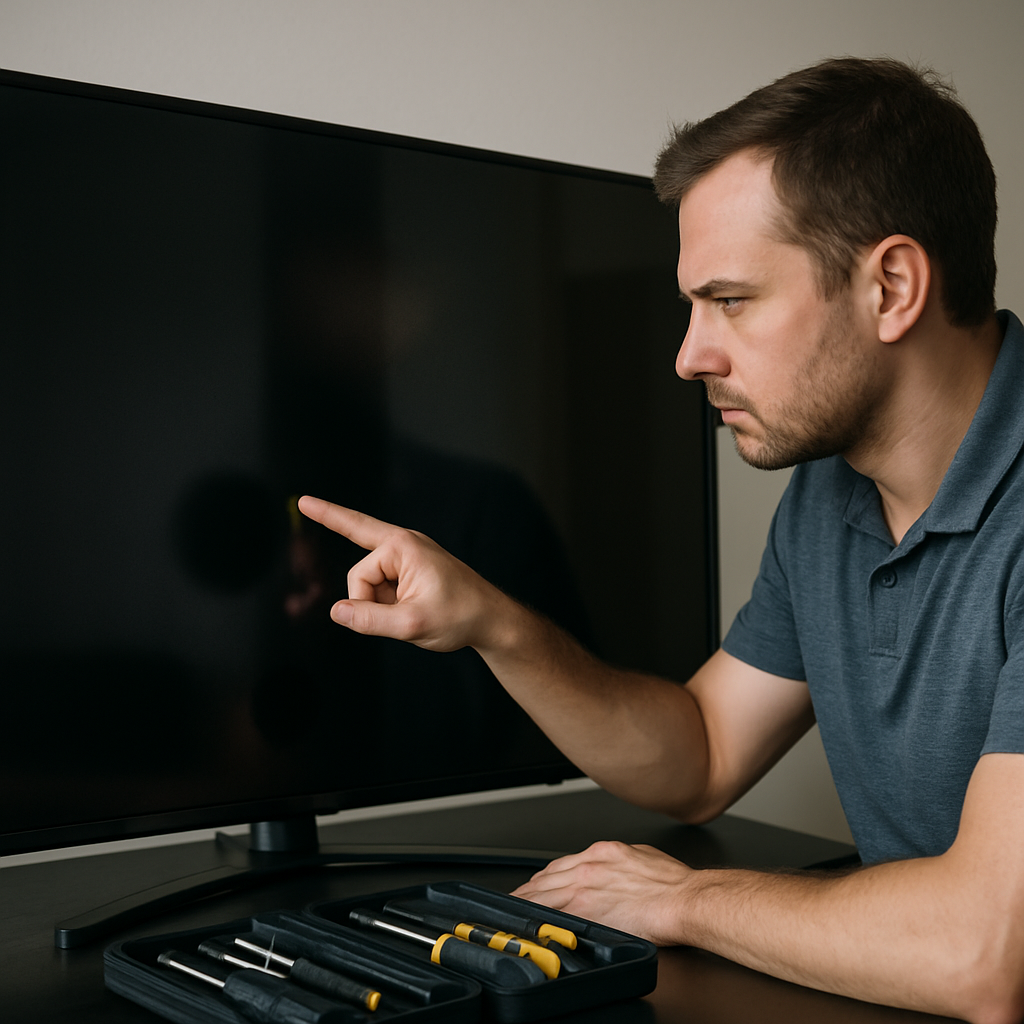
If you are noticing a black spot, shadow line, or dark area on your Samsung TV screen, the issue is often related to backlight failure, panel defects, or internal connection problems. These annoying screen blemishes can manifest as half-screen shadows, vertical or horizontal lines, or localized dark spots. Luckily, you can troubleshoot and sometimes resolve these problems yourself before considering an expensive repair. The following guide outlines precise steps for diagnosing and fixing the most common display issues affecting Samsung TV owners.
Common Causes of Visible Spots and Shadow Lines
Black spots or half-screen shadows on a Samsung TV can result from a variety of hardware and software issues. The most frequent cause is backlight malfunction: when certain backlight LEDs fail, you may see a visible block or band of darkness. Physical damage to the panel itself may also lead to persistent lines or dark areas, which are often more serious and require professional attention.
Loose or damaged ribbon cables connecting the main board to the panel can trigger intermittent lines or shadow bands. Sometimes, software glitches or temporary communication issues between internal boards can create similar symptoms. Being aware of the most likely failure points will help you systematically isolate and address them.
Before rushing to repair, it's smart to start with some simple diagnostics at home. Knowing the core difference between a dark spot caused by backlight versus panel damage is crucial. Check if your TV's on-screen menus are also affected, as this helps pinpoint whether the panel or input source is to blame.
Initial Power Reset and Disconnect Methods
Always begin troubleshooting by performing a power cycle, as this simple step resolves display glitches about 30% of the time. Unplug all external input devices from your Samsung TV (HDMI, aerial, etc.) to rule out source-related faults. Remove the power cord from the wall and wait at least 30 seconds before reconnecting, ensuring all residual power is discharged from the internal circuits.
This basic method is widely recommended and explained in this YouTube guide. After reconnecting, turn on the TV and observe if the black spot, shadow line, or dark area persists. If the issue is gone, you likely had a temporary glitch or static build-up.
If the shadow or line remains, check each HDMI port by connecting a different device or cable, as a faulty input can also cause peculiar screen symptoms. A persistent defect after these steps usually means a deeper hardware problem.
Understanding Backlight Problems and Spot Patterns
Backlight failures most often cause dark spots or half-screen shadows. Modern Samsung QLED, OLED, and 4K smart TVs typically use edge-lit or direct-lit LED arrays. When a cluster of these LEDs fails, a noticeable region of the screen may dim or appear black. This kind of spot or half-shadow will not change or move, regardless of input source or on-screen content.
One way to test for backlight problems is to dim the room, play a bright video, and closely examine the affected area. Use a flashlight angled against the screen; if you can faintly see the picture beneath a dark spot, it's almost certainly a backlight issue. You can watch a visual explanation and repair tips using this step-by-step video.
If only certain sections of the screen have visible dark lines or shadow bands, the underlying LED arrays or driver chips in those zones may have failed. This could sometimes be repairable if you are comfortable opening the TV.
Addressing Panel and Ribbon Cable Faults
When a visible line or black spot appears consistently, even across on-screen menus and all input sources, panel or ribbon cable faults become likely. Press gently along the edges of the TV frame—if the lines flicker or change, a loose ribbon cable may be at fault. Carefully reseating these cables (if accessible) might resolve intermittent line issues, but be cautious, as mishandling could worsen the problem.
Panel defects, which can create stuck or dead pixel lines, are unfortunately not user-repairable. If the spot or line is sharp-edged and always the same color, panel replacement may be required. Evaluate your warranty coverage before proceeding further.
Some shadow lines seen on LG or Vizio TVs can also be caused by power board issues, resulting in sections of the display receiving insufficient voltage. This can occur in Samsung TVs as well, and often requires diagnosis by a professional technician.
When to Seek Professional Help and Preventive Advice
If your troubleshooting shows the black spot or shadow line is from a failed panel or persistent backlight issue, consider a professional evaluation. Larger area darkening or half-screen shadows typically indicate components that must be replaced. If your Samsung TV is still under warranty, contact the manufacturer's support for authorized service—they may cover the repairs.
To reduce your risk of recurrence, avoid placing TVs where they will be exposed to excess heat, moisture, or electrical surges. Use high-quality HDMI cables and power strips with surge protectors. When cleaning your screen, never press hard or use harsh chemicals, as this can damage delicate layers and lead to lingering dark spots or shadow patterns.
By systematically applying these diagnostic steps and understanding the root causes of black spots, shadow lines, and half-screen darkness, you maximize your chance of restoring your Samsung TV's picture without unnecessary expense. For DIY enthusiasts, learning how to measure a size mismatch or trace individual LEDs is possible, but always proceed with care to avoid voiding your warranty or causing further damage.


Comments
Post a Comment