Samsung Blinking Issues: Troubleshooting Samsung Blinking Signals on Refrigerators and Freezers
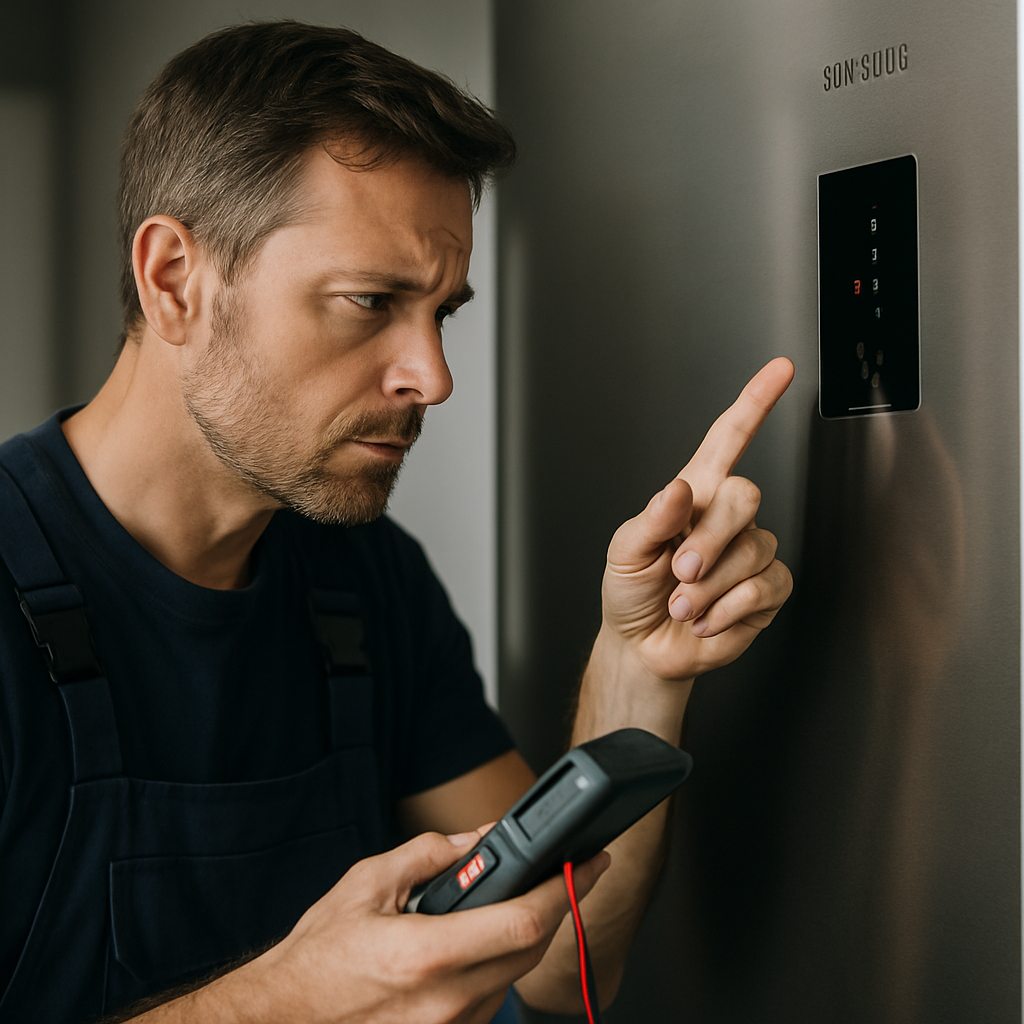
If your Samsung appliance is exhibiting blinking lights, especially on the RF18HFENBSR refrigerator, it typically signals a temperature sensor error or a door ajar alert. When you notice a Samsung blinking indicator, act quickly: first make sure all doors are fully closed and their seals are intact. If the blinking persists, it relates to common system or sensor faults that require immediate attention to prevent food spoilage or further malfunction. Understanding these blinking signals can help you respond effectively and avoid unnecessary repairs.
Status Indicators and Diagnostic Alerts in Samsung Appliances
Samsung appliances, including refrigerators and freezers, use blinking lights as a direct way to communicate internal issues. These visual indicators can signify a fault with sensors, electronic boards, or simply notify you of minor errors like an open door. Recognizing the difference between a functional status light and a real error is crucial before attempting further fixes.
Different models may detect and display errors differently. For example, the blinking lights on the Samsung RF18HFENBSR model are often linked to thermal sensor or door issues. Ignoring these signs can impact appliance efficiency and potentially compromise stored perishables.
Check your model's user manual for the specific blinking pattern definitions. Some lights may blink in a coded sequence that directly identifies the faulty component. For verified details about these signals, refer to this Samsung refrigerator blinking guide.
Quick Steps: Responding to Blinking Alerts
When you first notice Samsung blinking lights, here are immediate actions you can take:
- Confirm every door is tightly closed and there are no obstructions in the seals.
- Check if the control panel is responding and if any temperature settings have changed unexpectedly.
- If your model displays an error code rather than just blinking, record that code for reference.
- Perform a power cycle: unplug the appliance for one minute, then reconnect it to reset internal components.
- If the blinking continues after these steps, consult the official user manual or the Samsung Support Center for model-specific instructions.
These initial actions address most common causes of Samsung blinking events. For more severe problems, service may be required.
Common Causes of Persistent Blinking
Persistent blinking on Samsung refrigerators often originates from the following sources:
- Temperature Sensor Failure: If the temperature sensor malfunctions, the appliance cannot accurately regulate cooling and will trigger a blinking alert.
- Door Ajar or Seal Fault: Even a slightly open or improperly sealed door can activate the blinking warning.
- Electronic Control Board Error: Circuit board or connection faults may lead the appliance to signal via blinking lights.
- Power Surges or Interruptions: Unexpected interruptions to power can disrupt sensors and prompt blinking until resolved.
To further isolate these issues, you can check specific diagnostic guides online. Samsung also maintains official advice regarding blinking indicator lights, such as on this dishwasher troubleshooting page.
Continuing to use the appliance with unresolved blinking alerts is not recommended, as underlying problems can worsen.
When to Seek Professional Service
If basic troubleshooting does not stop the Samsung blinking indicator, further expertise is often needed. Professional technicians can:
- Perform diagnostic tests on sensors, circuitry, and the control panel
- Replace defective components confirmed by blink codes
- Ensure all firmware or hardware updates are properly installed
- Advise on preventive maintenance to avoid future blinking alerts
Attempting complex repairs without the right tools or knowledge may void warranties or cause further damage. Always consult authorized Samsung service when the blinking signal remains unresolved after initial steps.
Preventive Maintenance to Minimize Blinking Errors
Consistent maintenance helps reduce the likelihood of unexpected Samsung blinking warnings. At minimum, regularly inspect and clean all seals, check for door alignment, and verify that vents and air pathways are unblocked. Scheduling periodic checks ensures early detection of potential problems before they become serious and interrupt appliance operation.
In summary, Samsung blinking lights are a vital diagnostic cue. Ignoring them can escalate issues, but recognizing what these alerts indicate and responding methodically will restore optimal function and keep your food safe.


Comments
Post a Comment